

MINI DECK FEATURES:
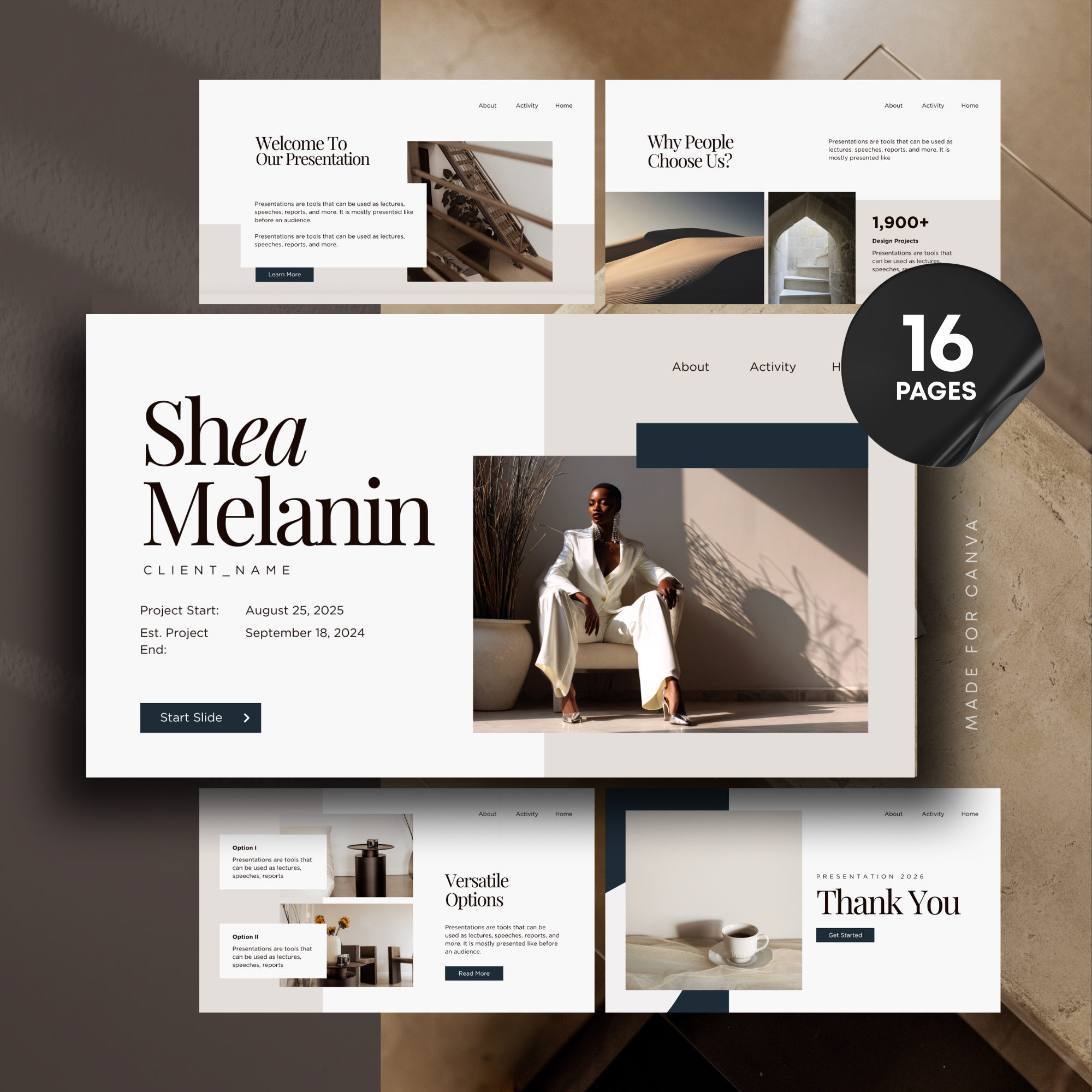
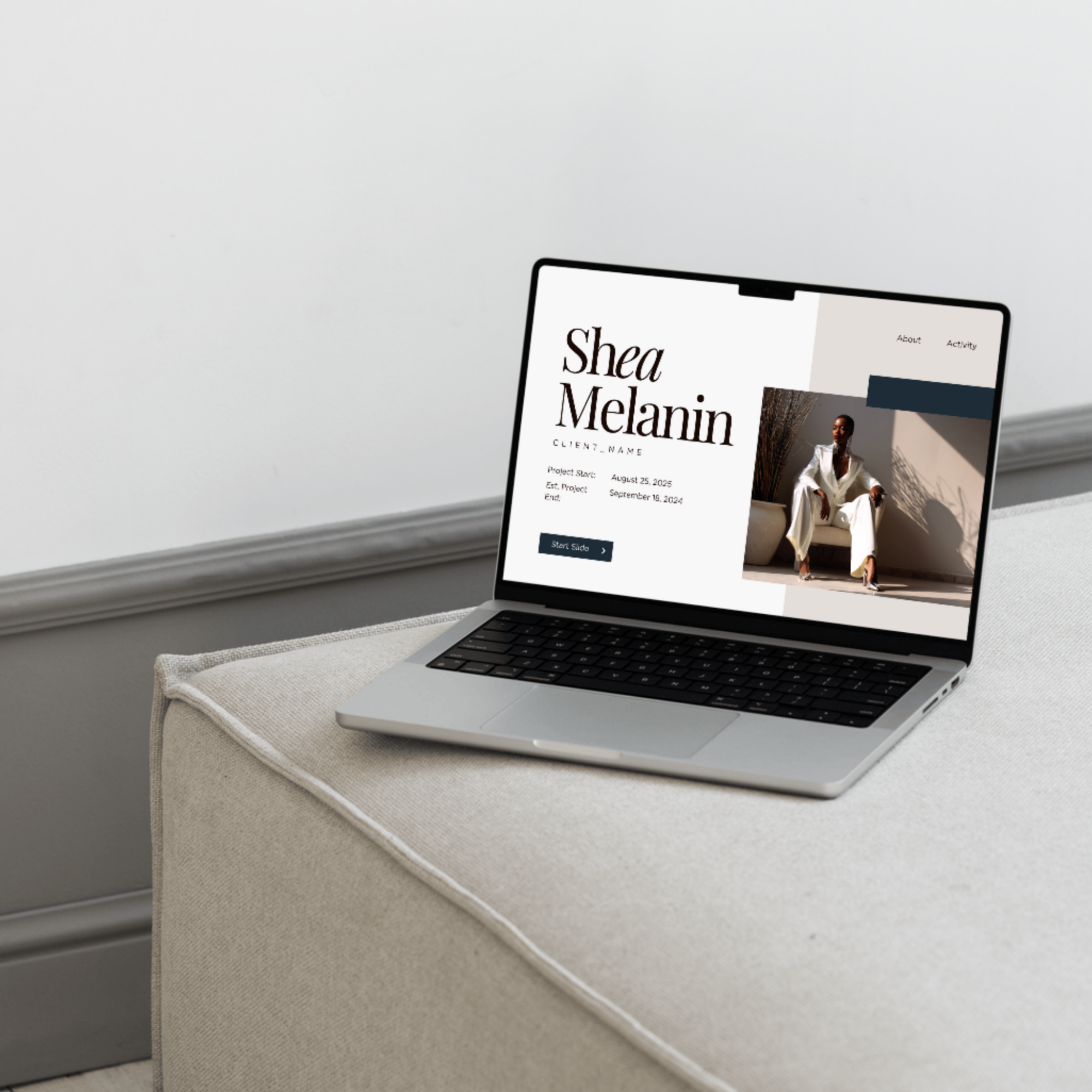
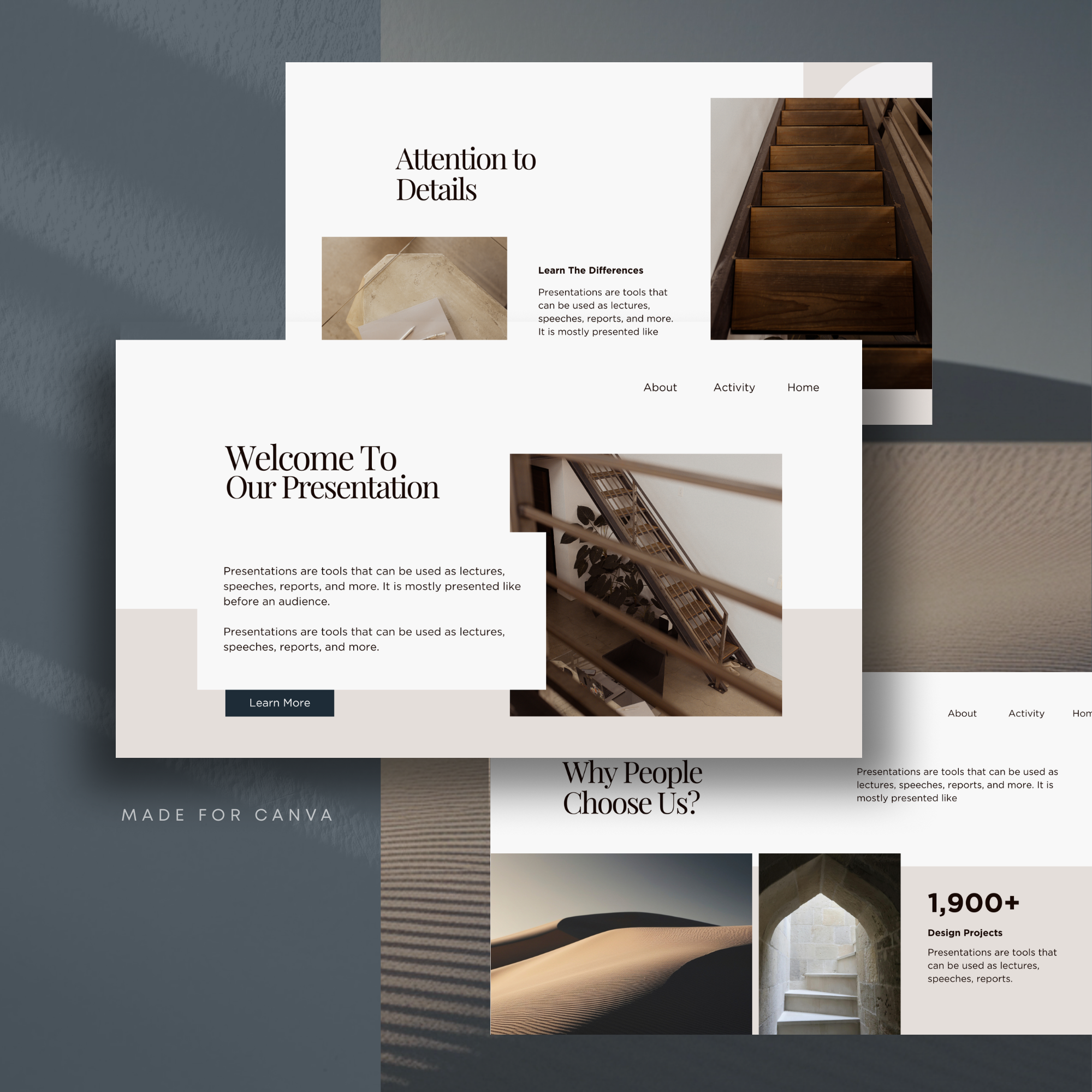
✅ 16 slide deck templates
✅ quick and easy to edit online in Canva www.canva.com
✅ edit online for free using an intuitive drag-and-drop interface
✅ Canva PRO subscription is required to access all the features (custom fonts, some images etc.)
✅ all fonts and colors are fully customizable to suit your branding
✅ duplicate, rearrange, and delete slides for a custom layout
✅ use over and over again to create multiple presentations
✅ Some CANVA stock photos are included in the deck
❌ NOT INCLUDED:
These DIY templates feature placeholder text, no pre-written content is included. This is not a Canva Website.
SOFTWARE REQUIREMENTS:
These templates are quick and easy to edit in CANVA - a FREE online application. Canva Pro subscription is required to be able to access some photos and fonts. You can learn more about Canva at www.canva.com
WHEN YOU PURCHASE:
- Create a FREE www.canva.com account
- Download the Download Instructions PDF document from your purchases
- Use the links provided in Download Instructions PDF to access the Canva templates
- Edit your template and export it as a Powerpoint document
- Use over and over again to create endless presentations
⚠️ LICENCE TERMS:
Please note, it’s not allowed to re-sell, sub-license, include in a membership subscription, or give away for free any templates or modifications of those templates (color change, font change, etc.) as it would be considered in direct competition with the original asset and therefore in violation of Licence terms. End products need to be uneditable, flattened JPG / PNG / PDF / Powerpoint files or printed materials.
The sale of this product is not affiliated with Canva in any official way
MINI DECK FEATURES:
✅ 16 slide deck templates
✅ quick and easy to edit online in Canva www.canva.com
✅ edit online for free using an intuitive drag-and-drop interface
✅ Canva PRO subscription is required to access all the features (custom fonts, some images etc.)
✅ all fonts and colors are fully customizable to suit your branding
✅ duplicate, rearrange, and delete slides for a custom layout
✅ use over and over again to create multiple presentations
✅ Some CANVA stock photos are included in the deck
❌ NOT INCLUDED:
These DIY templates feature placeholder text, no pre-written content is included. This is not a Canva Website.
SOFTWARE REQUIREMENTS:
These templates are quick and easy to edit in CANVA - a FREE online application. Canva Pro subscription is required to be able to access some photos and fonts. You can learn more about Canva at www.canva.com
WHEN YOU PURCHASE:
- Create a FREE www.canva.com account
- Download the Download Instructions PDF document from your purchases
- Use the links provided in Download Instructions PDF to access the Canva templates
- Edit your template and export it as a Powerpoint document
- Use over and over again to create endless presentations
⚠️ LICENCE TERMS:
Please note, it’s not allowed to re-sell, sub-license, include in a membership subscription, or give away for free any templates or modifications of those templates (color change, font change, etc.) as it would be considered in direct competition with the original asset and therefore in violation of Licence terms. End products need to be uneditable, flattened JPG / PNG / PDF / Powerpoint files or printed materials.
The sale of this product is not affiliated with Canva in any official way